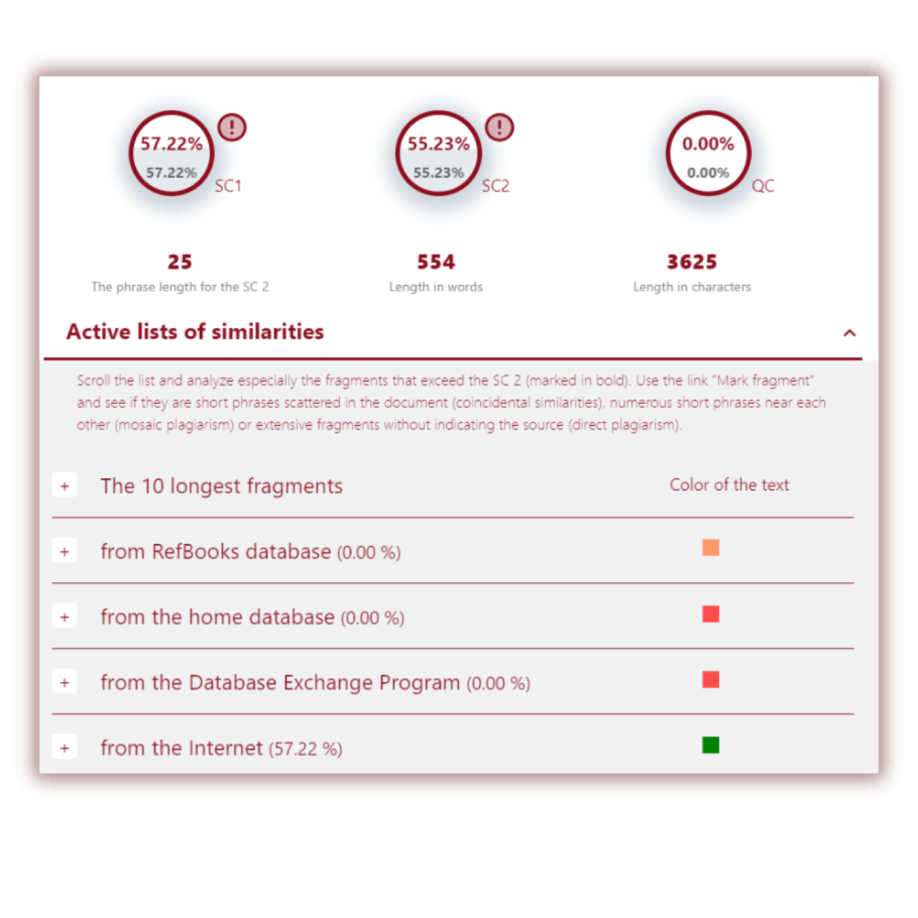
- Accessibility and ease of use,
- Interactivity,
- Feedback and tools to locate content in the original sources,
- Detection of manipulations, paraphrases, and plagiarism in translations,
- AI content search,
- Grammar and spell checker.
Many of our clients emphasize the importance of the time that educators and experts spend on analyzing performance. They like our report by the fact that the number of features, their layout, and intuitiveness in navigation makes our report unique and accessible to all types of users and all ages.
For example, we use only a few colors to reflect sources in the report, we have simplified the commenting process, the entire source as a page is reflected in a second wide window opposite the text being analyzed, and so on. In other words, no specific or repeated training is necessary to start using the report.
StrikePlagiarism.com report was created with the idea of convenience and multifunctional interaction with the modules of the system, which are "at hand". For example, the report allows you to exclude fragments that can be considered self-citations, or fragments that need to be excluded from the similarity coefficient for one reason or another, while simultaneously changing the similarity coefficient.
Tools like ChatGPT, Claude, Gemini, DeepSeek, and Grok enable students to create content at unprecedented speed — but this convenience also increases the risk of academic integrity breaches.
Our AI Content Search module helps institutions navigate this challenge by identifying where AI may have been used excessively or inappropriately.
The system automatically highlights fragments with a high probability of being AI-generated, helping instructors focus on the parts of a submission that matter most.
Click here to learn more about AI detection and the AI detection report.
Grammatical and spelling errors often appear in student and even scientific papers. They are often ignored, however, errors related to grammar, spelling, style, punctuation, and so on are one of the main criteria for the quality of written work.
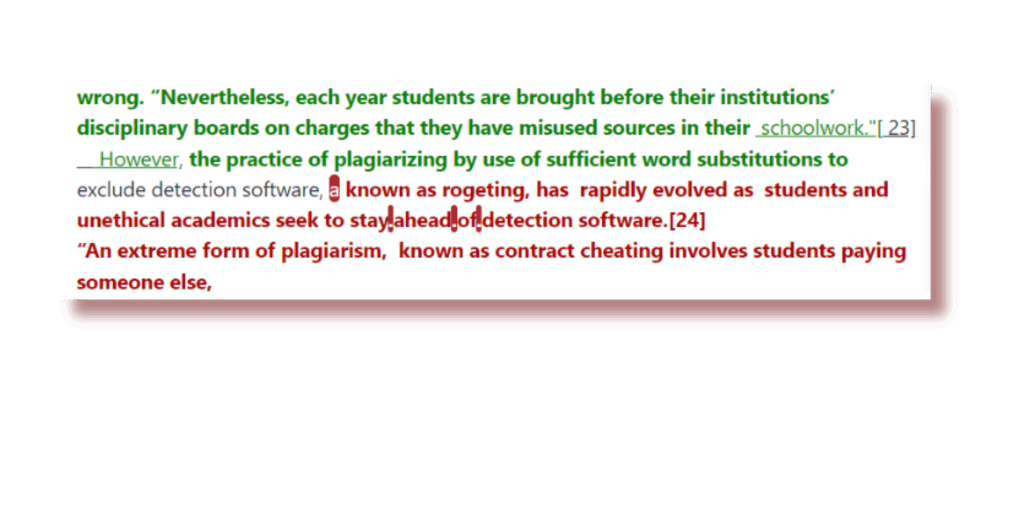
In addition, grammatical errors have become increasingly used by some students to bypass the anti-plagiarism system, for example, the author adds some kind of error to the entire text to break the order of words and prevent the search for similarities.
To save the teacher's time in searching for the above mentioned errors, as well as to prevent attempts at manipulation, we have created a module for searching for grammatical, spelling and other types of errors.
Learn more about our GRAMMAR CHECK module: Click here
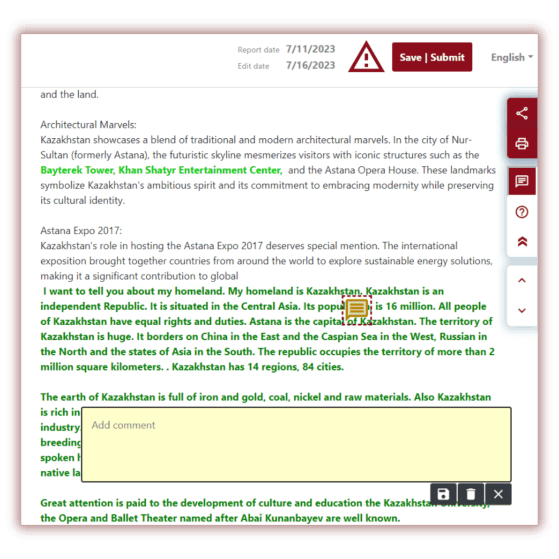
Feedback becomes an integral part of the Interactive Similarity Report.
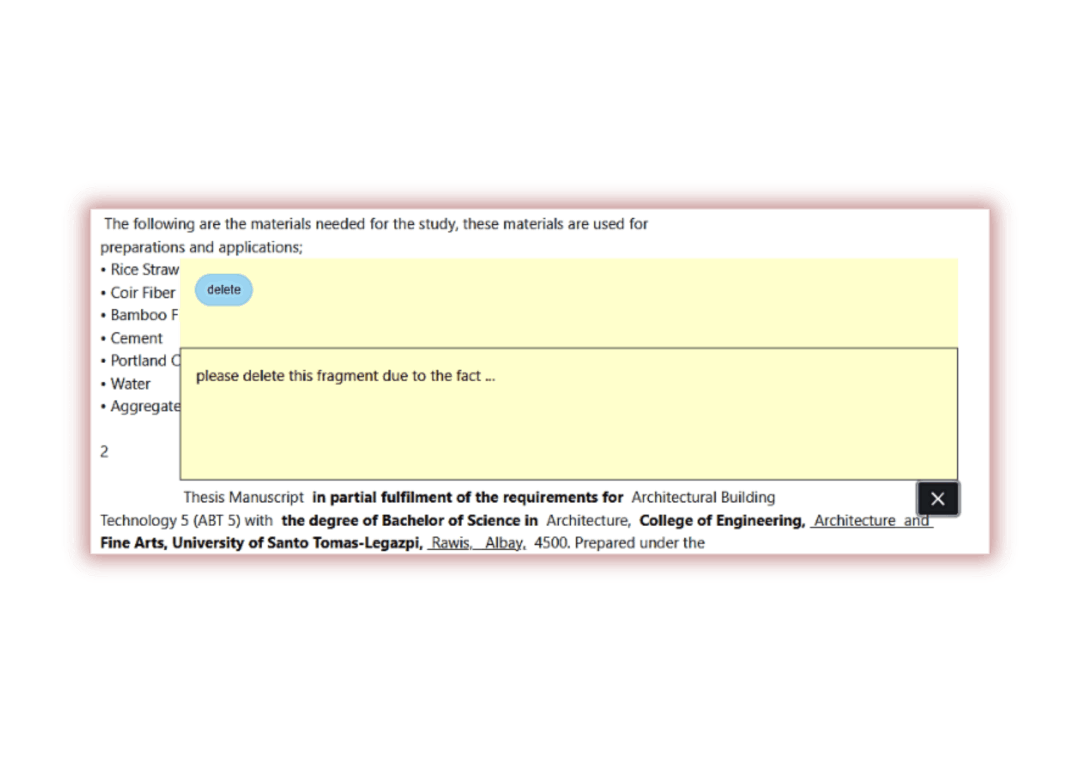
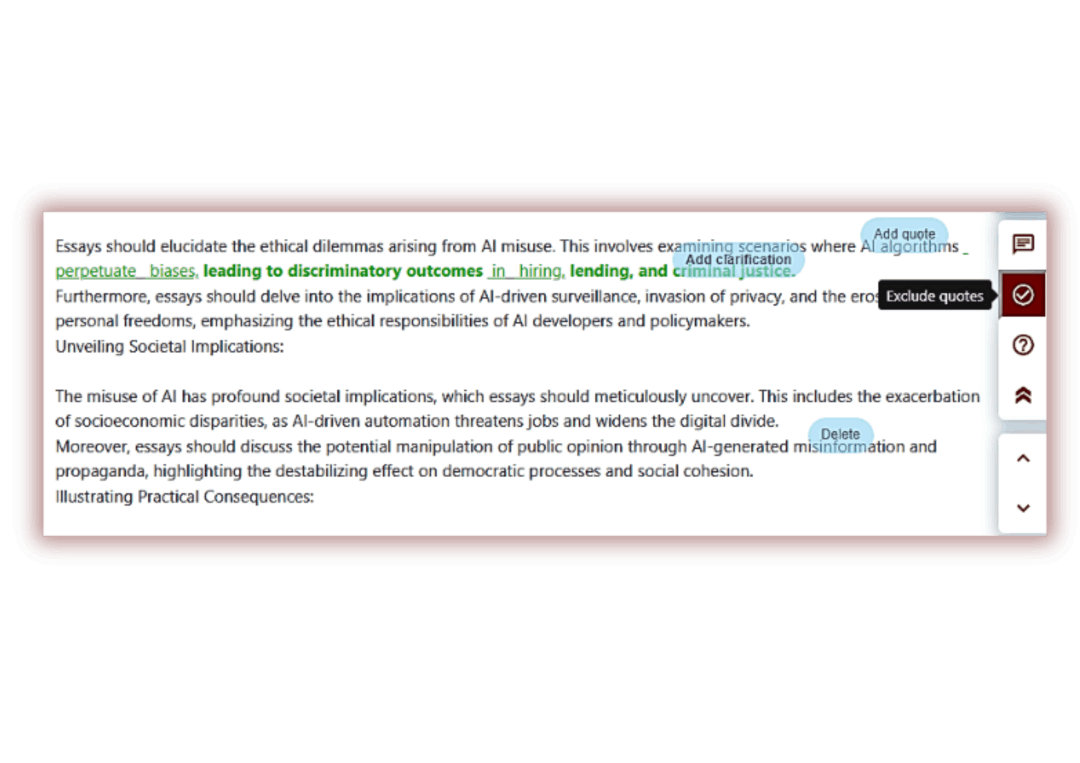
Instructors can leave comments directly on any selected fragment of the text, allowing students to see guidance exactly where it matters. Each comment appears instantly in the report, making the process transparent and immediate.
The new feedback tools also allow educators to format highlighted text, adjust colors, and add clarifications—ensuring every remark is clear and easy to interpret. Students can follow the instructor’s notes in real time, strengthening the revision process and improving understanding of required corrections.
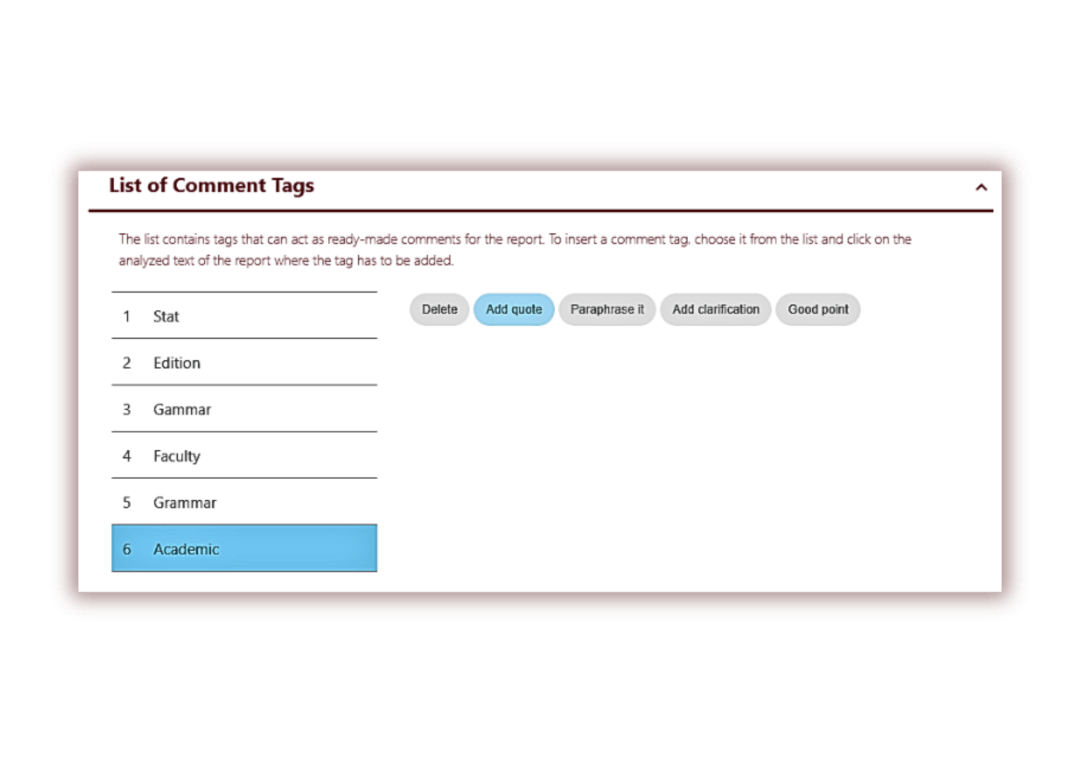
Comment Tags streamline the feedback process by allowing instructors to insert ready-made, reusable remarks with a single click. Instead of rewriting the same guidance repeatedly, educators can rely on structured tag groups that provide clear, consistent feedback across multiple reports.
This feature significantly reduces the time spent on routine commenting and helps maintain high-quality, standardized feedback. Comment Tags can be created, customized, or imported into the system, making them flexible for different teaching styles and academic requirements.
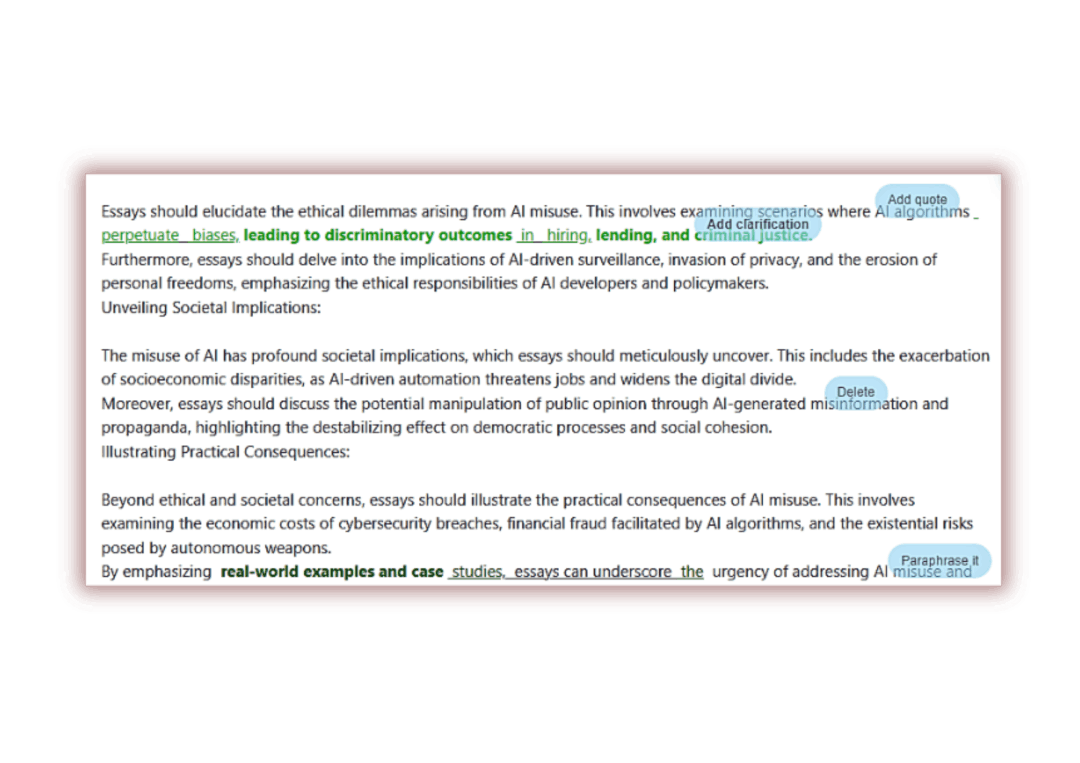
Comment Tags are semi-transparent, ensuring that the text behind the comment remains visible. Tags can be added to any part of the Interactive Similarity Report.
Additional clarifications can be added during the comment-creation stage and are available to students in the comments list, making the analysis of the report quick and straightforward.
The advantage is quick navigation to the exact location of comments.
By clicking on the magnifying-glass icon, the system highlights the selected comment within the similarity report.
Such navigation is especially convenient when there is a large number of comments and the student needs to make corrections as quickly as possible.
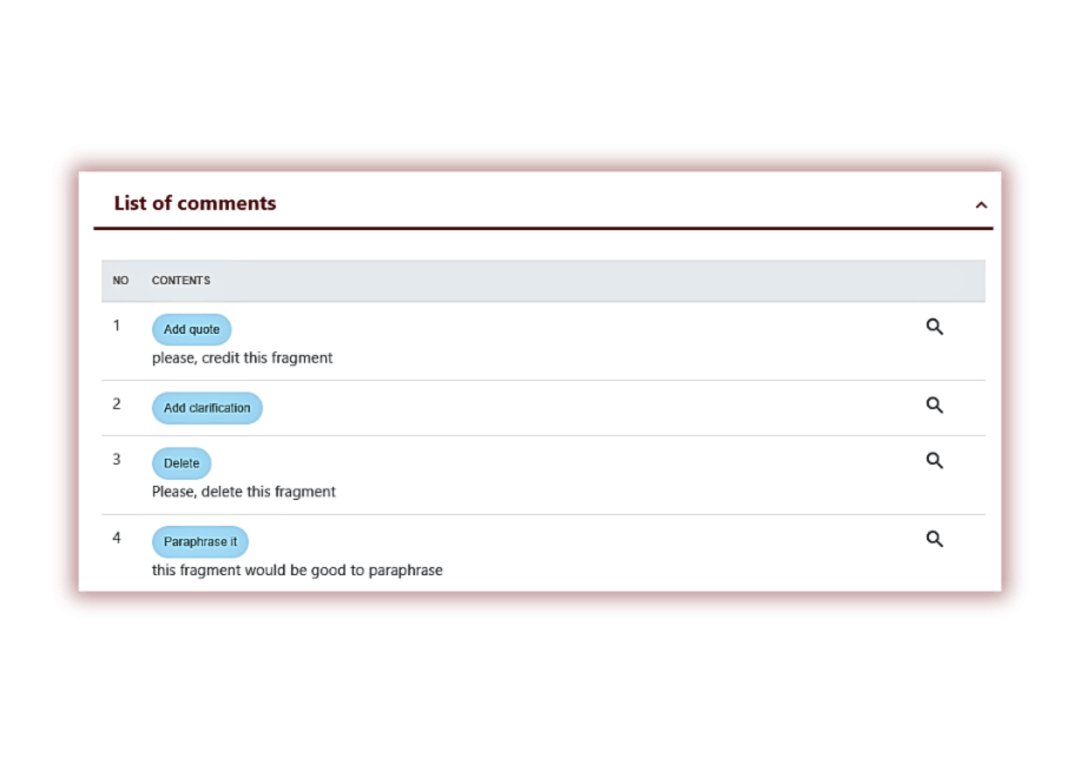
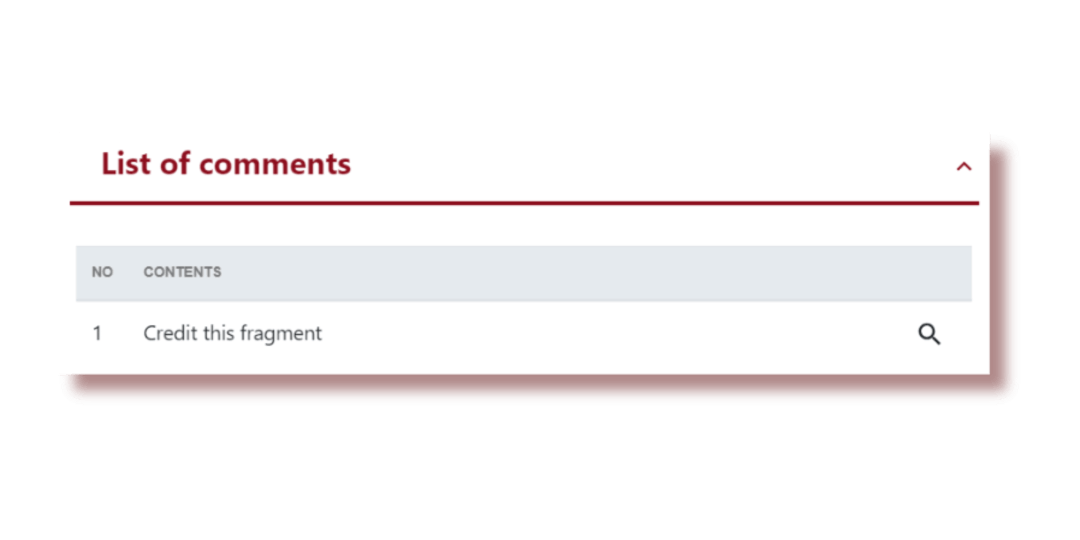
All comments — both tags and manual notes — are displayed in the left panel of the Interactive Similarity Report.
Each entry in the list is clickable: when the instructor or student selects the magnifying-glass icon, the report automatically scrolls to the corresponding fragment in the text.
This navigation significantly speeds up review and correction, particularly when the document contains many comments.
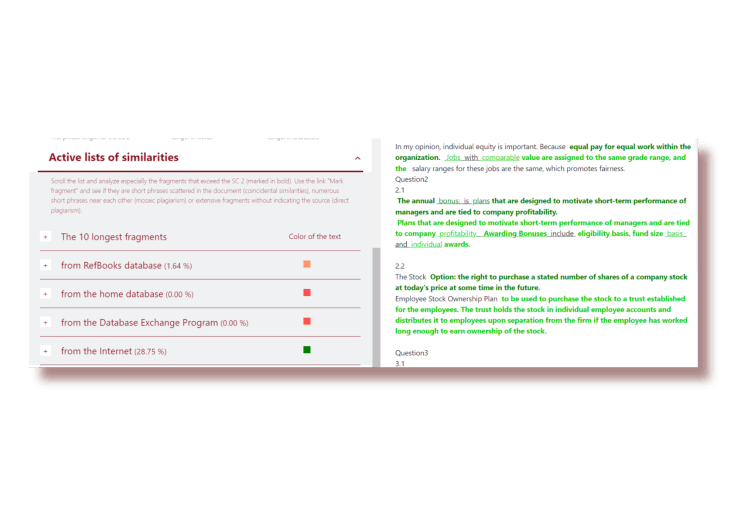
We reflect the source document on the left side of the similarity report for easy navigation and comparison of the analyzed fragment with a similar fragment in the source. For convenience, we color the source text fragment yellow. By clicking on the fragment in the source, the system will highlight the similar fragment in the analyzed document in blue. This functionality saves considerable time when analyzing sources, which is very convenient in case of checking a large number of documents or documents of large size.

Number of characters from other alphabets which may imitate letters from the alphabet relevant to the document, causing misspellings in the text. Those letters highlighted in yellow.

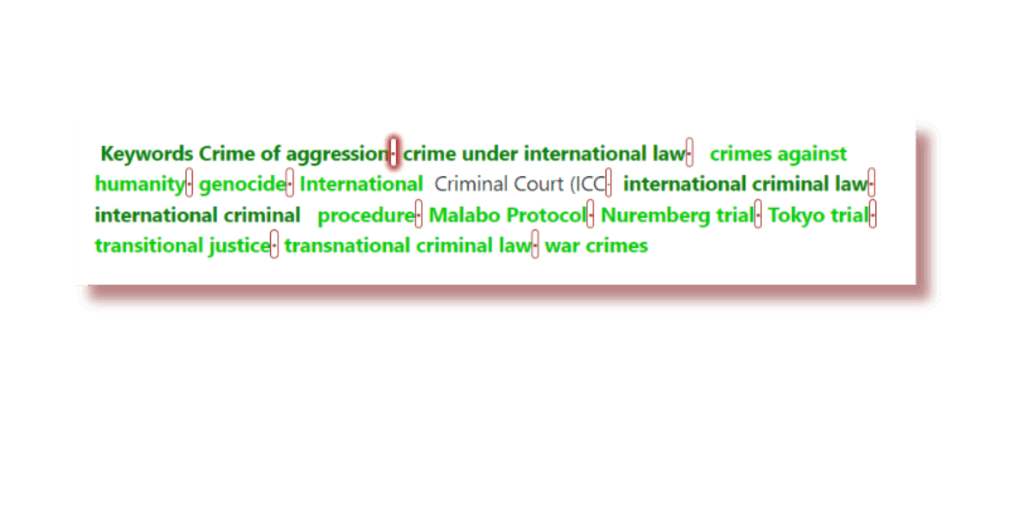
Number of spaces with zero length - they are placed inside words and cause word division in the text.

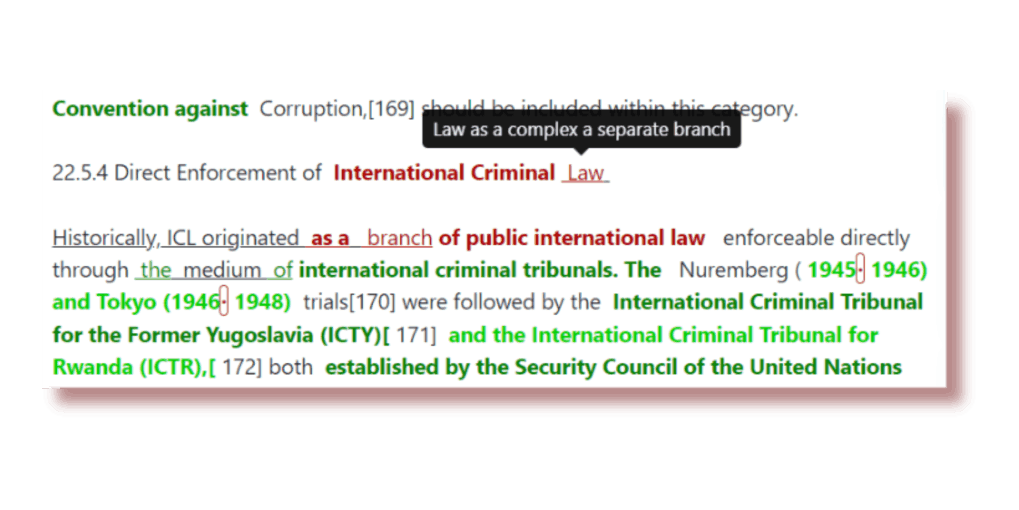
The number of fragments and text passages with modifications (change of word order, use of a synonym, change an orthography etc.) in comparison to the fragment found in the source - this function shows possible attempts of disguise of an unauthorized borrowings.

Number of characters hidden by using white font color or minimal font size - they are used instead of spaces, causing merge of the words (in the Report the color of the letters is changed to black in order to indicate them properly), or to distort words/phrases. Those phrases are underlined. Pointing at fragments with an arrow will pop up the original fragment without amendments.